


So you've been using GroupSpot to keep your team connected. As things wind down, here’s a quick end-of-season checklist to help you reset, transition leadership, and prepare for next year with less stress.
Reset for Next Season
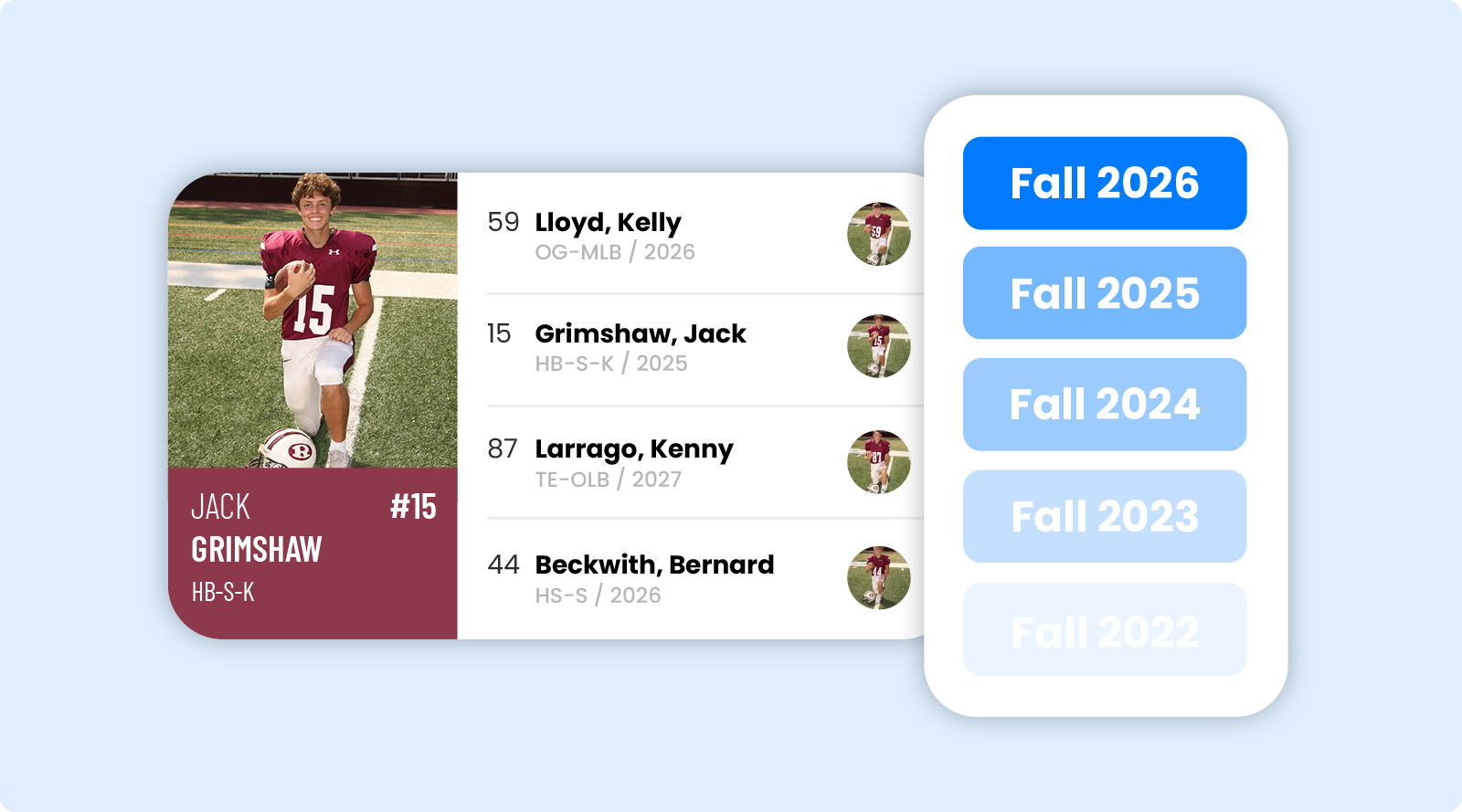
Start a new season
Roll your group forward with a clean slate while keeping the structure, members, and setup you already built. Great for getting ready before practices, camps, or registrations begin again.
Update your roster
Add incoming players, members, or families and remove graduating seniors or former members so your group stays organized and up to date.
How to Add Players and Staff to Your Roster ❯
Automatically Move Games from Your Calendar to Your Feed
Before next season begins, set your schedule preferences so future games automatically move from the calendar to the feed a set number of days before the start of each event.
Automatically Moving Your Games from Your Calendar to Your Feed and Calendar ❯
Passing the Baton?
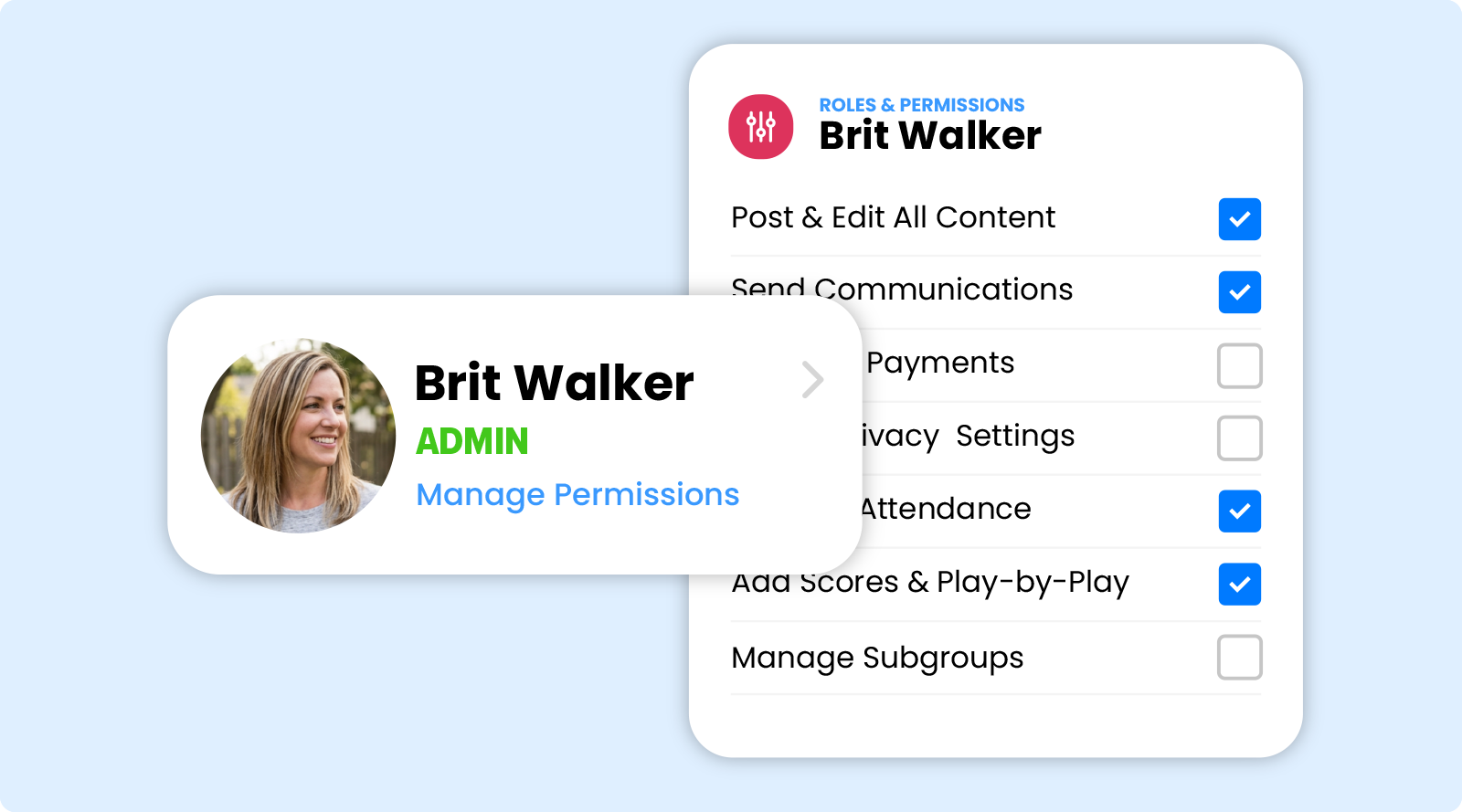
Add or update admins
Make sure the right coaches, directors, officers, or parent leaders have access to help manage the group next season.
How to Promote a Member to Admin or Owner ❯
Step down as owner
Transition ownership smoothly when leadership changes so the next season starts without confusion or lost access.
How to Step Down from Owner Status to Admin or Member Status ❯
Build Next Year's Group
Invite new families
Add next season’s freshmen, transfers, and new parents, so everyone starts the season informed and connected.
How Do I Invite Someone to My Group ❯
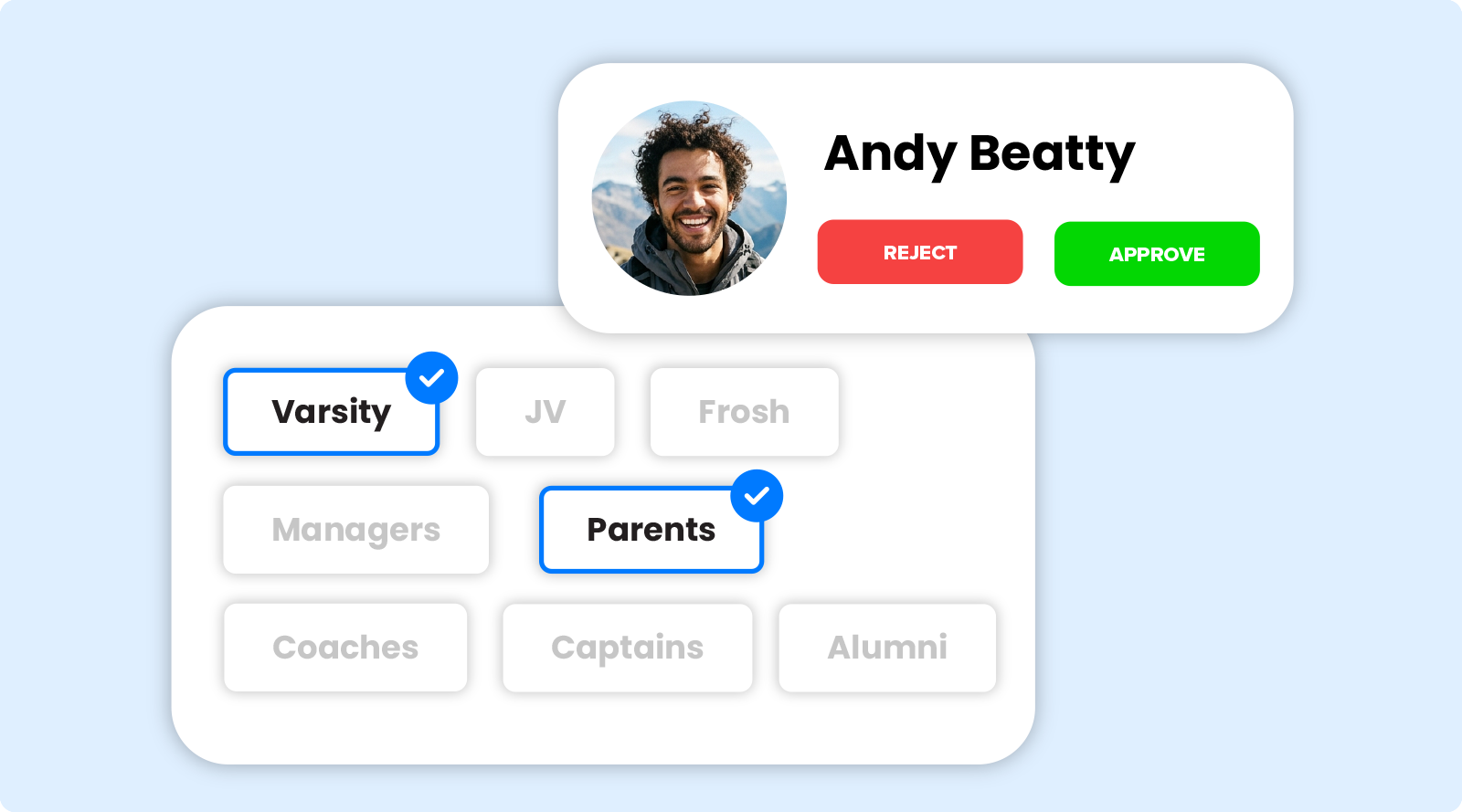
Approve membership requests and assign subgroups
Review incoming membership requests, place new and existing members into their correct subgroups, and keep communication organized from day one.
Take it a Step Further with GroupSpot Premium
Make next season even better with GroupSpot Premium. Unlock features like payments and registrations, along with expanded tools designed to help your group manage more than just communications, all in one mobile first platform.
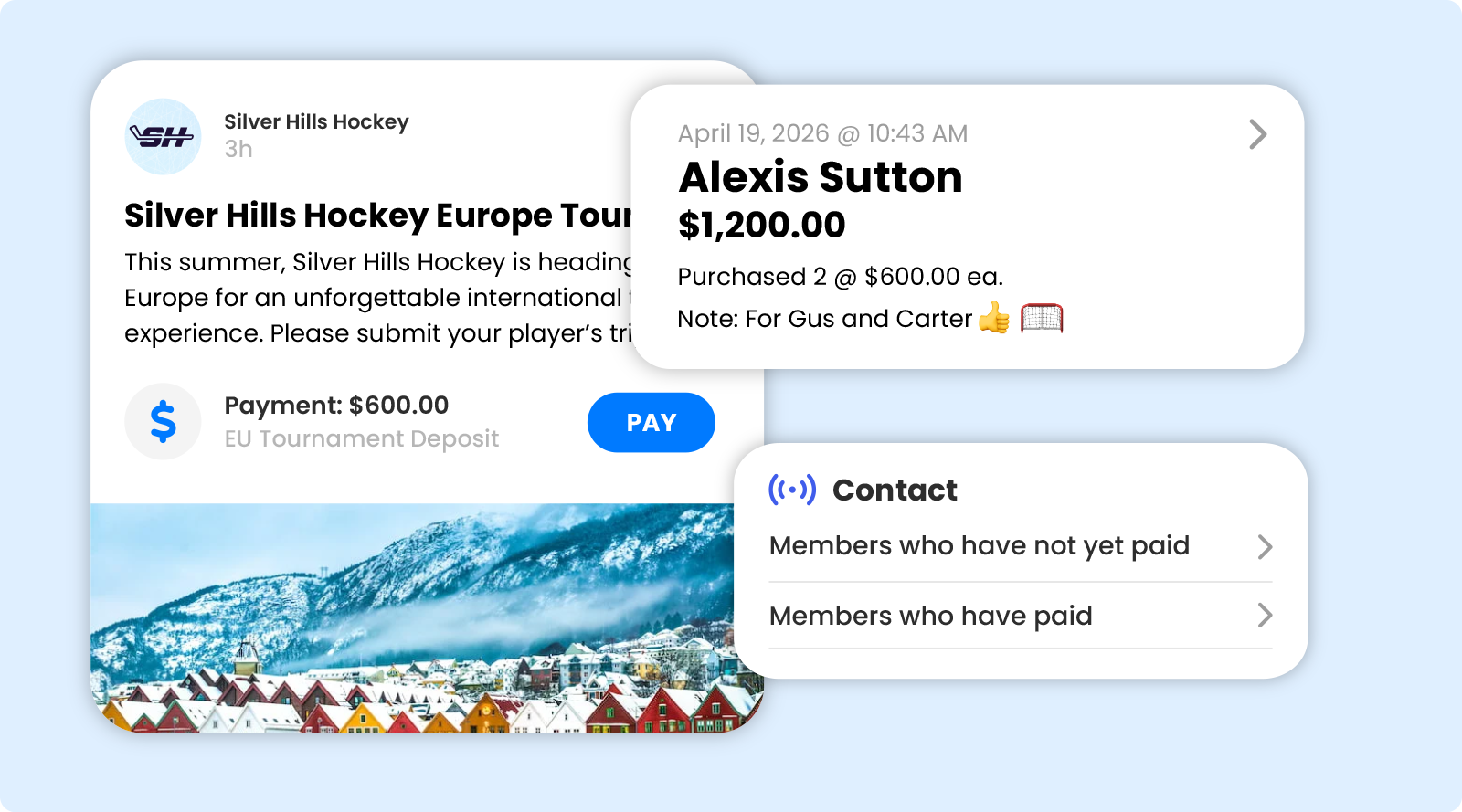
Collect payments in the app
Easily collect dues, end of season banquet fees, coach gifts, spirit wear, tailgates, travel costs, and more without spending hours managing spreadsheets or juggling multiple apps.
10 Things to Love About GroupSpot's In-App Payments ❯
Build registrations in the app
Create annual family registrations directly inside the app. It’s a simple way to gather information and collect dues from your members all in one place. It’s also perfect for youth league, summer camp, and clinic signups.
10 Things to Love About GroupSpot's Registration ❯
Keep everyone in sync
From reminders to payments to updates, everything lives in one place so families always know where to go and what’s next for the upcoming season.


