

Is there anything better than game day? The anticipation. The banter. The live experience.
Behind-the-scenes, GroupSpot gives admins everything they need to make game day a W for their community. On a typical game day, you’re likely to see posts loaded with game day details, RSVPs, photos or albums, tailgate signups, streaming or ticket links, hotel block or parking lot PDFs, comments, and reactions. These posts become the central hub for everything fans need. Now with Score Updates & Play-by-Play, they become even more powerful.
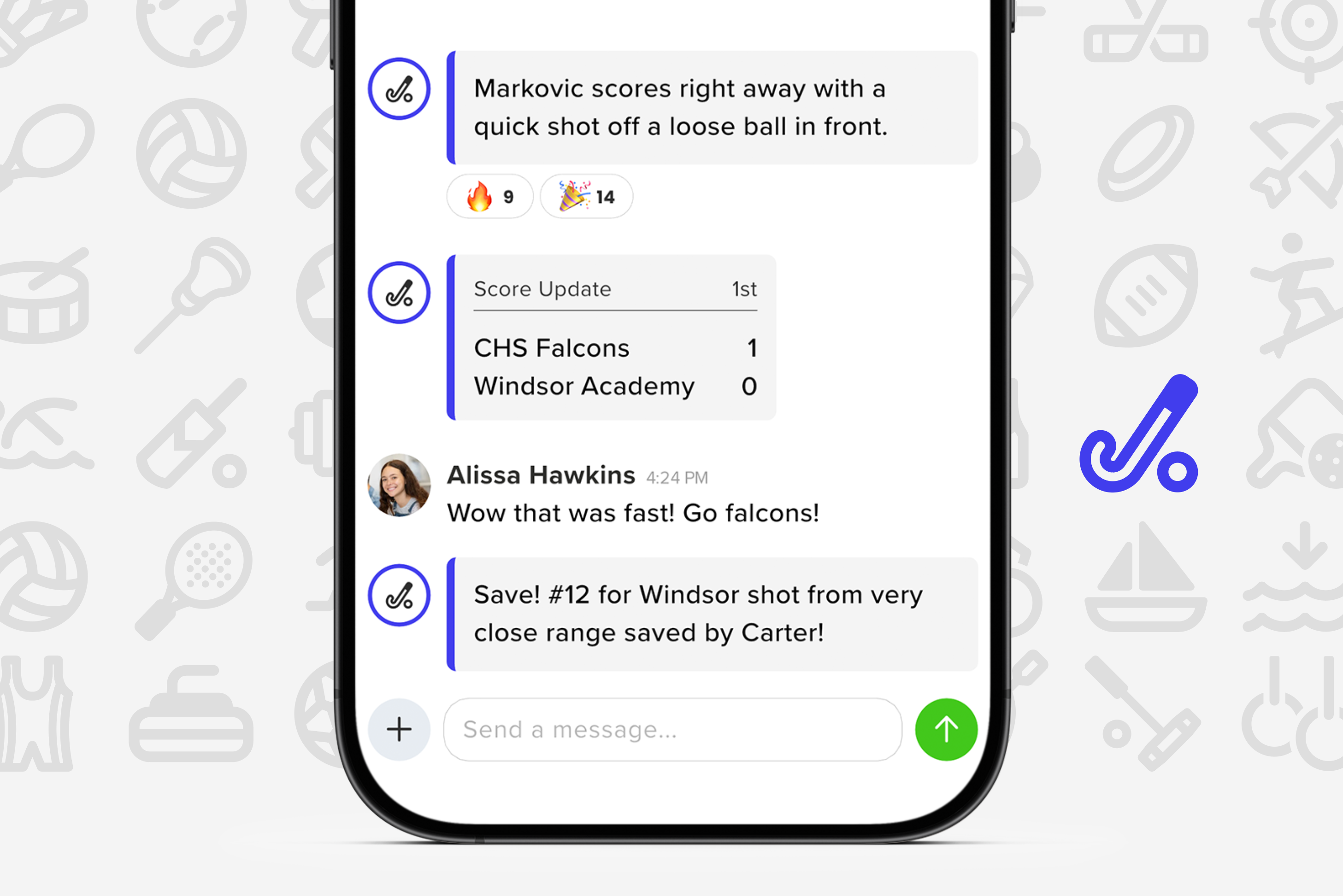
On their own, score updates keep your season record accurate and up to date. Add play-by-play and the ability to sync updates directly to group chat, and you instantly increase interest, participation, and engagement in the game.
What might seem like a feature designed for remote fans quickly becomes something everyone in the group interacts with, including fans in the stands. Members can comment, leave a reaction, and reply to specific score updates or key plays in real time. It turns the game into a shared, interactive experience.
In this how to article, you will see that the key to success is following these three simple steps:
Step 1: Make your games visible in your feed
Step 2: Initiate Scores & Play-by-Play
Step 3: Sync score and play-by-play updates to group chat
Game day deserves more than a final score. Start posting, sync to group chat, and turn every game into a shared experience your community will not want to miss.


